From the first read
to the last decision.
The drawing, the finding and the conversation in one place. Here is what your team can do with CodeCheck.
The whole set, with the proof attached.
Review Part 9 drawings against the code checklist and your firm’s own requirements. CodeCheck compares the sheets and circles the evidence behind each finding. Code rules remain draft until professionally approved; confirm the applicable edition for your project.
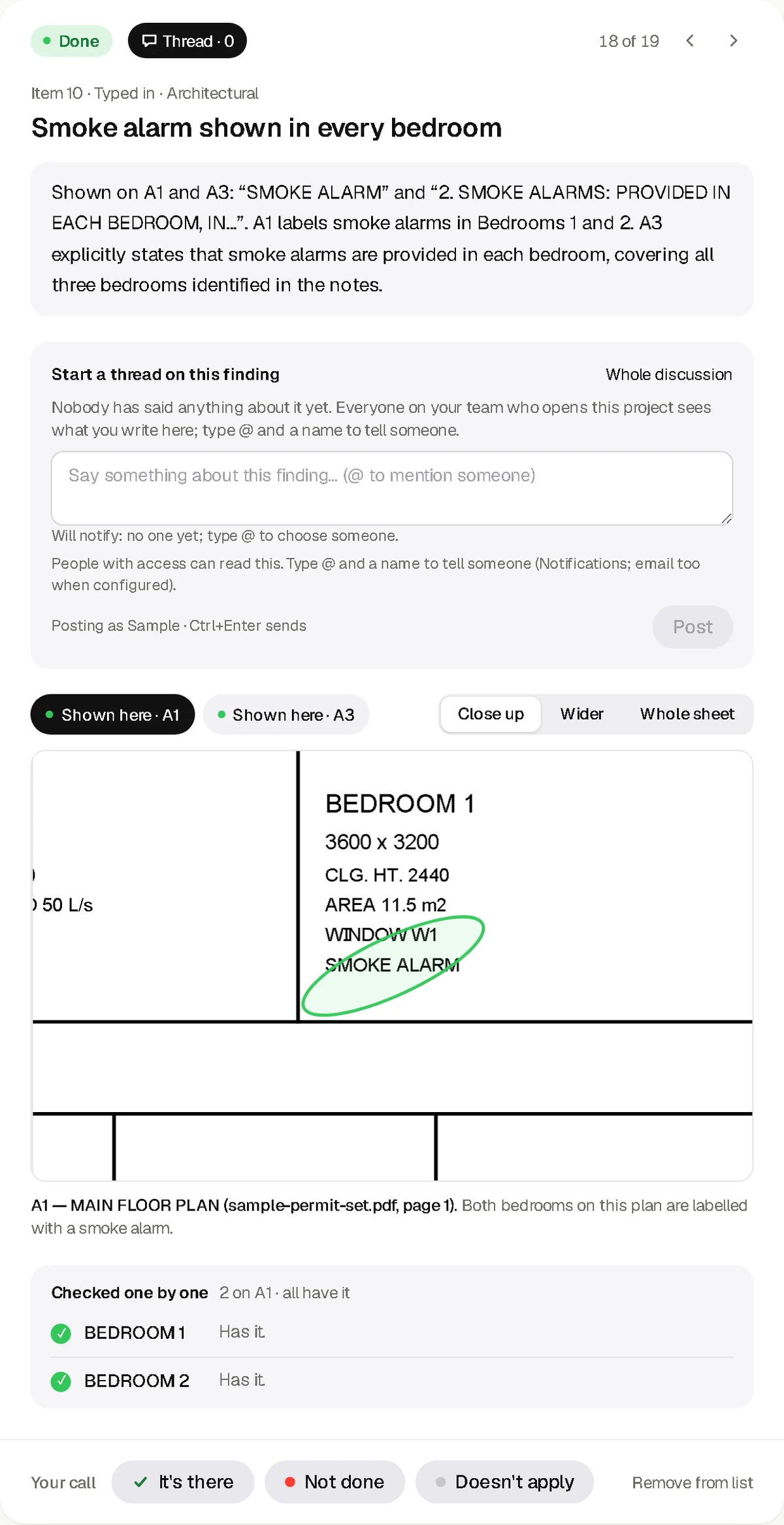
One problem. Your decision.
Move through the findings one at a time. Open the proof on the sheet, say what is there or what needs fixing, and leave a reason. The review keeps the person’s decision beside the AI finding.
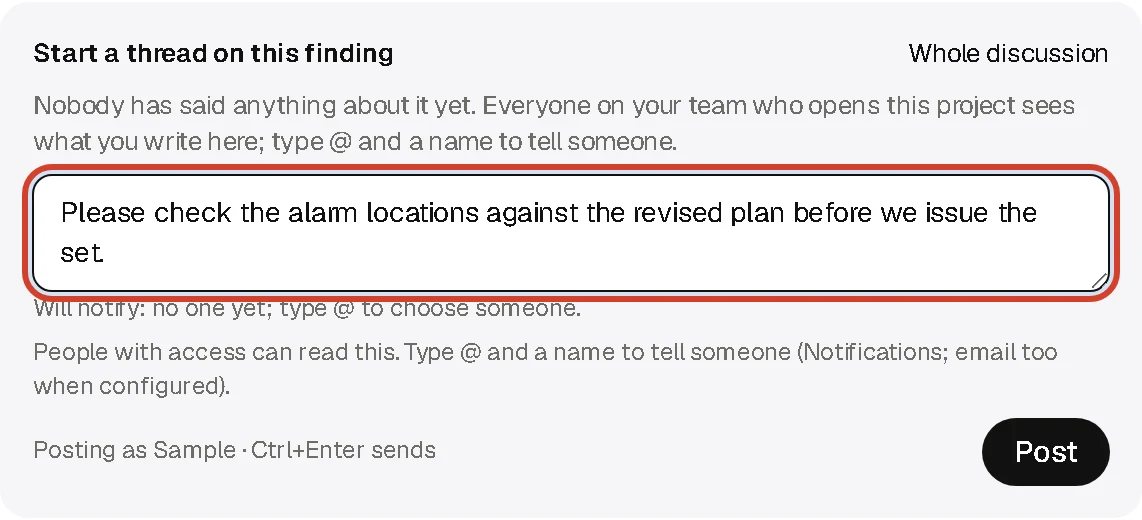
Keep the conversation on the drawing.
Each problem has its own notes thread. Mention a teammate with @ so they know where to look. Live notifications bring replies and mentions back to the people involved.
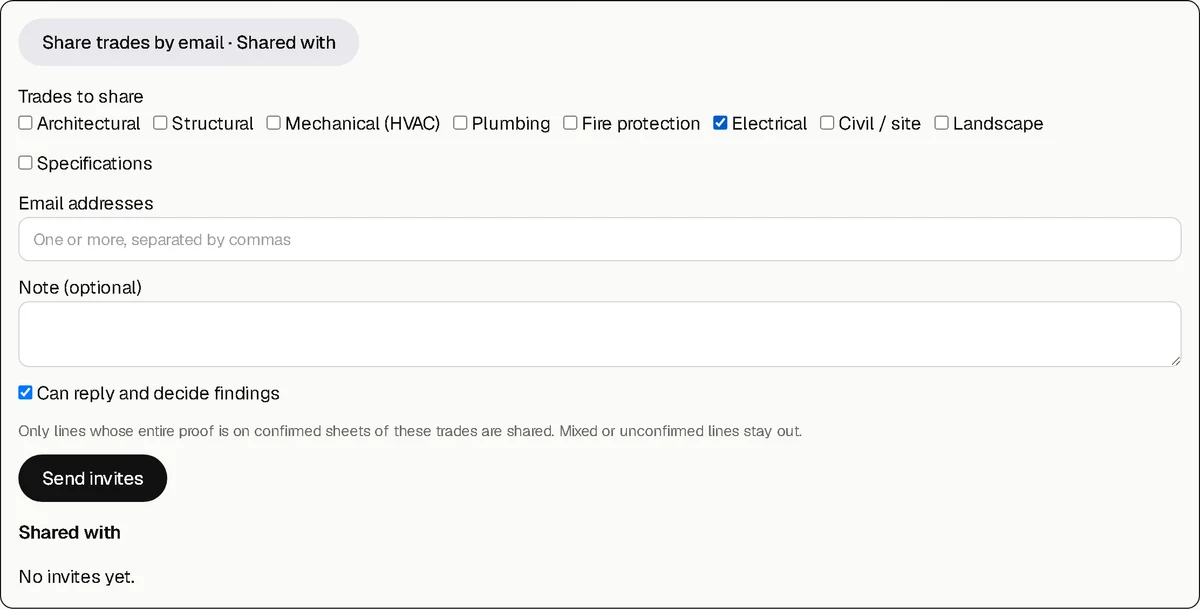
Bring in a consultant for one trade.
Invite a consultant by email to the confirmed trades they need. They sign in to view those sheets and reply on the shared findings. You can remove their access. Email delivery depends on your company’s email setup.
Choose the review that fits the job.
Right after upload, CodeCheck scans the package: drawing, specification and letter pages, sheets by trade, scanned pages, and duplicate or older versions of a sheet. Then pick a full review, a fast review, only some trades or just your checklist. Each choice shows its page count and an estimated time range to help you plan. Estimates are not promised completion times.
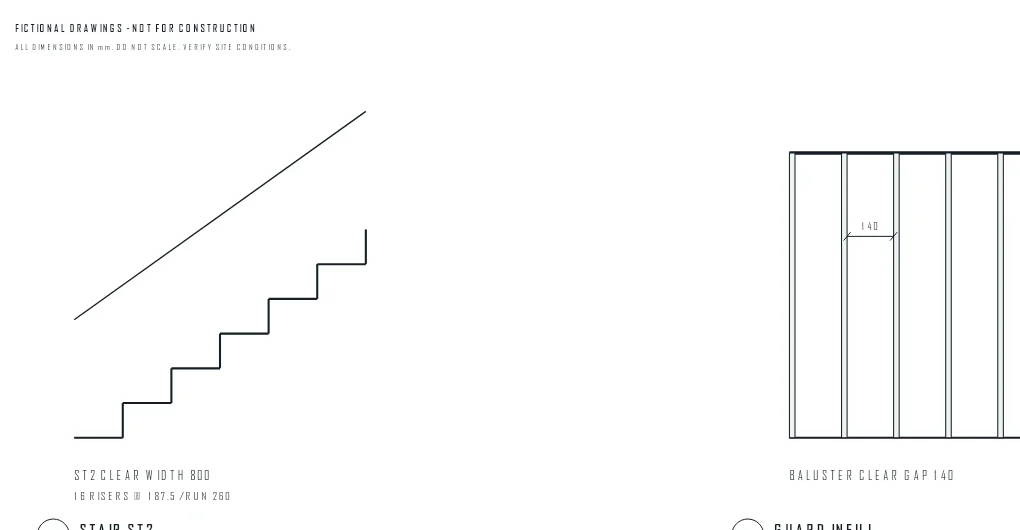
A revised sheet. A fresh look.
Fixed a problem? Upload the new sheet straight from that problem. Confirm which sheet it replaces, and CodeCheck reads only the new sheet, re-checks the problems on it and the ones that refer to it, and marks anything new it finds. The earlier sheet stays available for comparison.
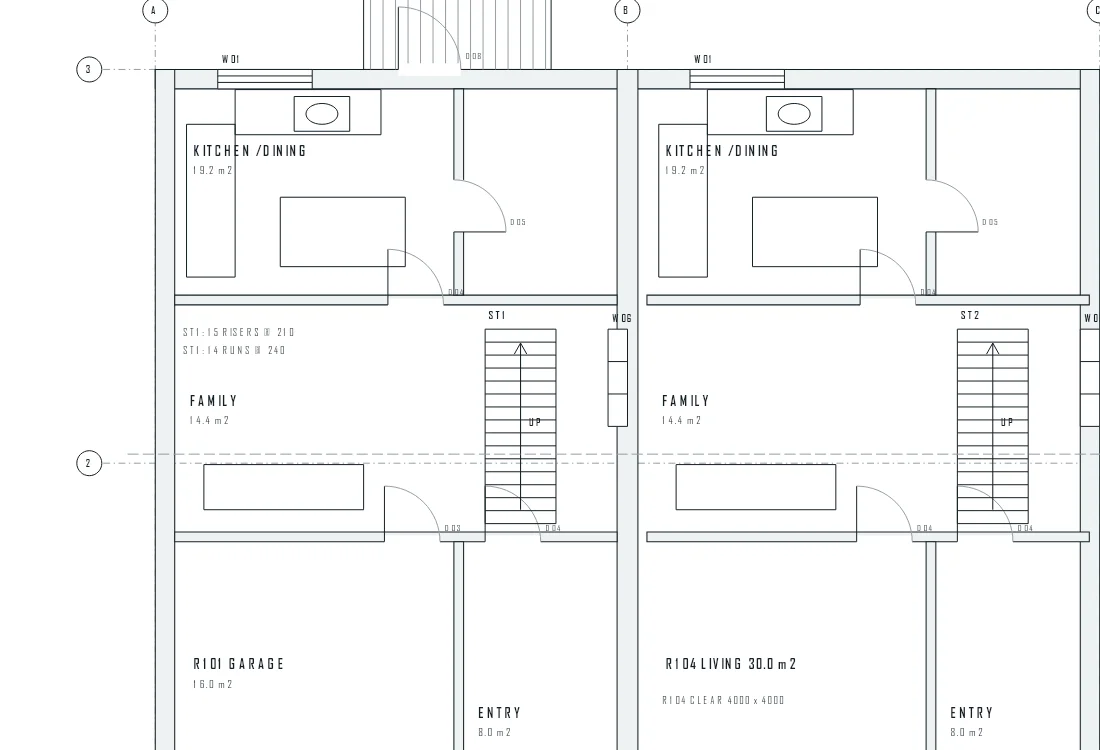
Take the review with you.
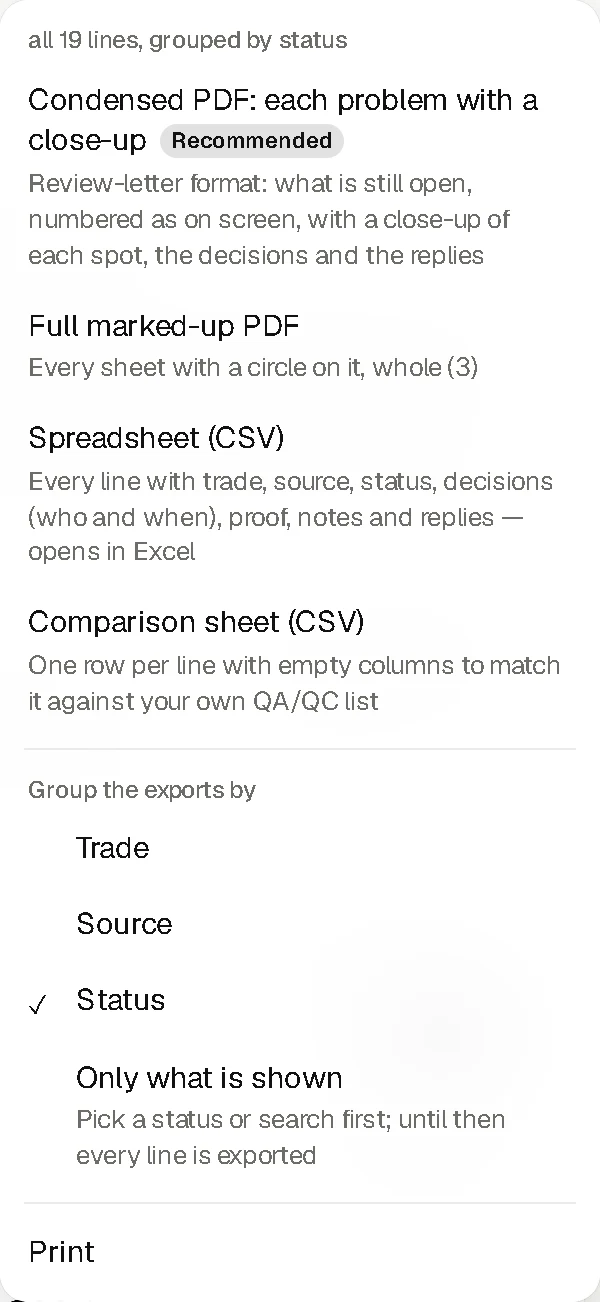
Export the review as a spreadsheet or PDF, including findings, decisions and notes. Use the marked-up drawings to show where each issue is. Export the relevant trade when the full set is not needed.
Useful evidence. Professional judgment still required.
CodeCheck can miss a problem or flag something that is correct. It does not stamp drawings, verify structural, energy or fire calculations, or approve a drawing set. Your architect, engineer and building official keep their roles.
Read the scope and limitationsBefore you
send the set.
Give your team a place to find the problems, see the proof and make the call.