CodeCheck never trains a model with your drawings.
Drawings go to the review service to be read. See the provider terms and how your files are handled before you upload.
AI & data policyReview your Part 9 drawings against the code and your firm's checklist. The proof, right on the drawing.
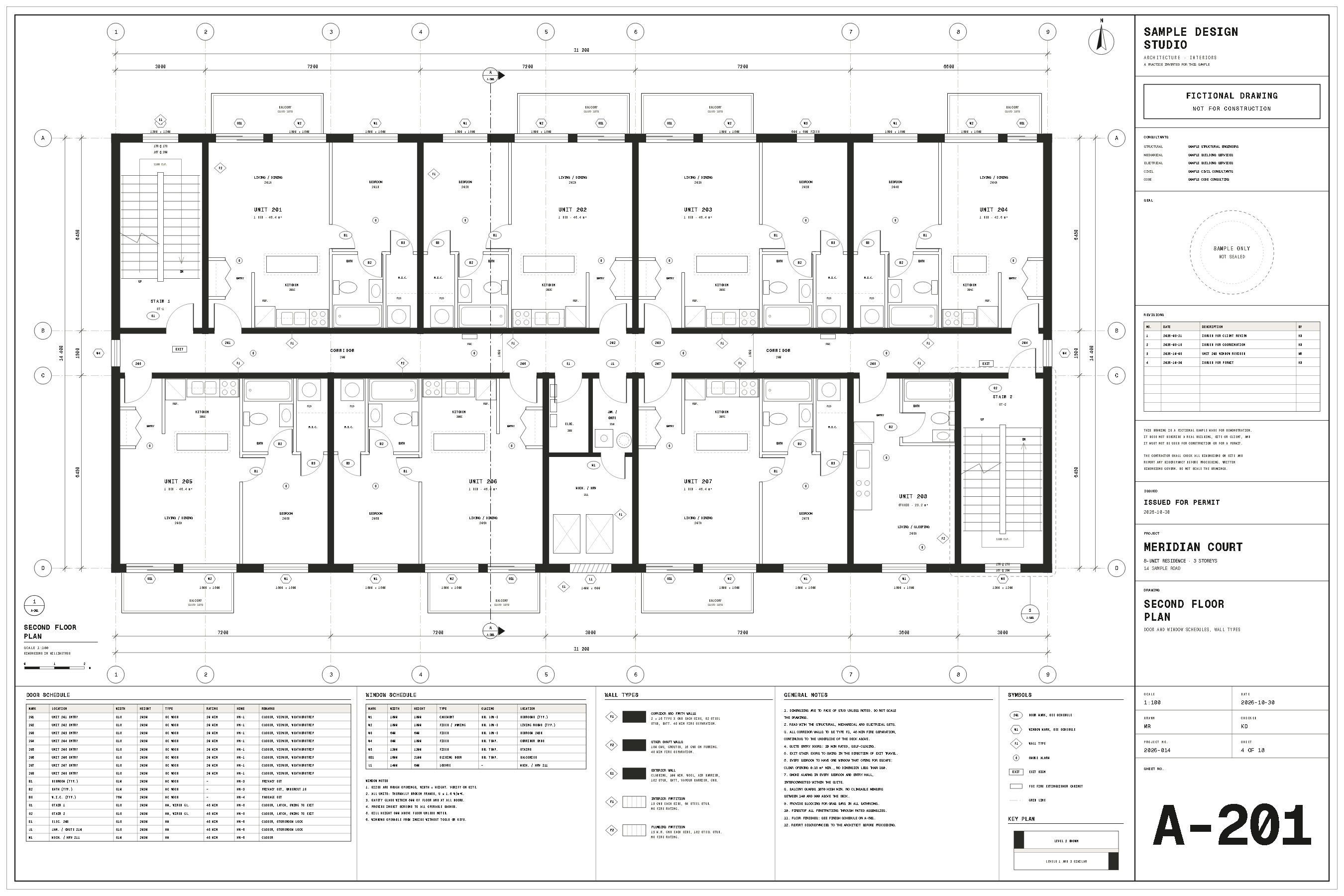
A–201 / Meridian CourtFictional sample drawing
Four things worth catching.
Scroll to follow the drawing.
Bedroom 203B has one window: W3, 600 × 600, fixed glass. Note 6 on this sheet calls for an opening escape window in every bedroom.
W3 · fixed glass / Note 6
Beside Unit 206, the corridor wall is tagged P2: an unrated partition. Note 3 calls for F1, a 45-minute separation, along every corridor.
P2 · corridor at Unit 206 / Note 3
The door into Stair 2 swings into the corridor. Note 5 and the door schedule both say stair doors should swing in the direction of exit travel.
S2 · Stair 2 / Note 5
The plan shows W2 living-room windows at 1800 wide. The schedule says 1500. The two need to agree before the windows are ordered.
W2 · plan 1800 / schedule 1500
The plan, notes and schedules, read together. Your team decides what to do next.
Invite a consultant by email to their trade. They sign in, see the sheets you share and reply beside the problem. The rest of the project stays with your team.
See how trade sharing works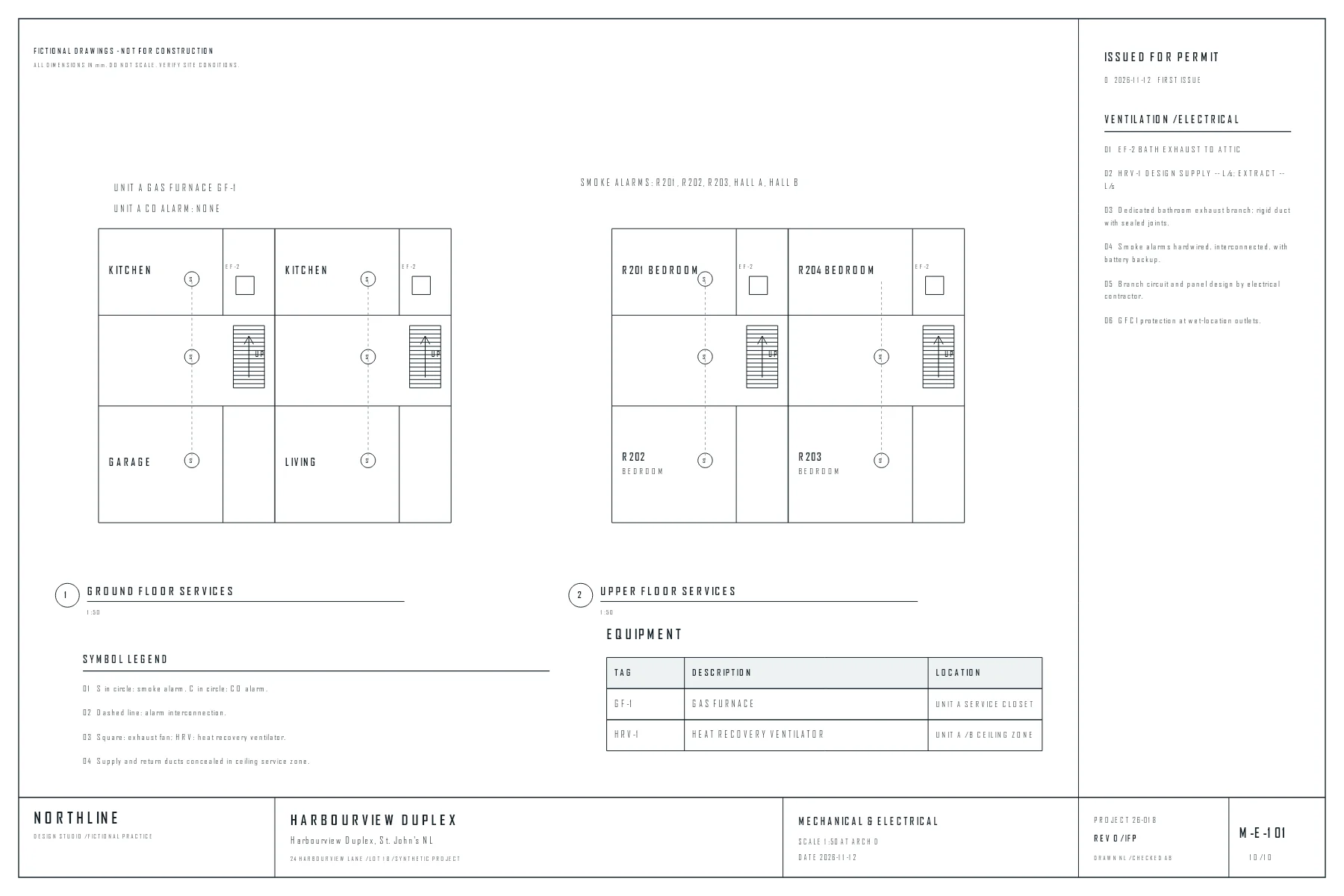
The rest stays with your team.
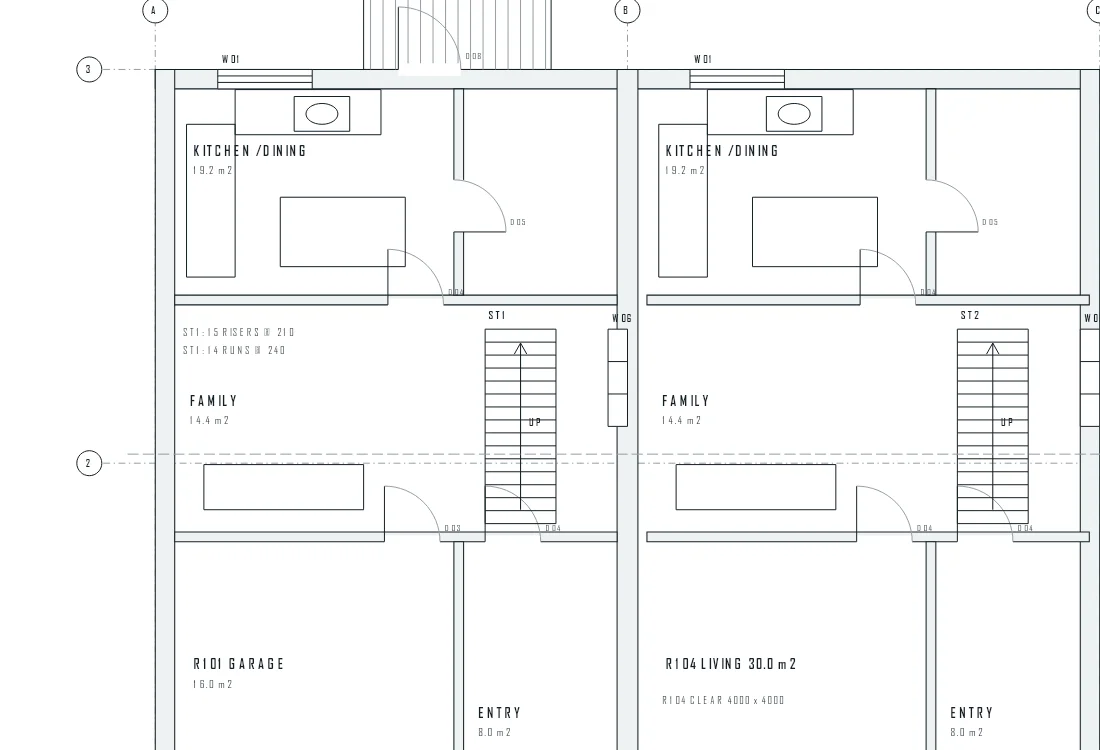
Sample drawing detail Earlier sheet retained
Upload the new sheet straight from the problem. CodeCheck reads only that sheet, re-checks what it touches and marks anything new. The earlier sheet stays for comparison.
See sheet replacementDrawings go to the review service to be read. See the provider terms and how your files are handled before you upload.
AI & data policyIt is not available yet. Today, drawings are stored in a private Vercel Blob store in US East. We will say when that changes.
Where your drawings are keptAI can miss things or get them wrong. Your team checks the proof and records the decision. CodeCheck does not approve a set or replace your professional review.
Your review.Give your team a place to find the problems, see the proof and make the call.